Your first fill
Generative fill changes the area you select: add something, change it, or remove it. If you know Photoshop’s own generative fill, you already know how Fulla works.
Make a fill
Section titled “Make a fill”- Select an area of your photo, with any selection tool.
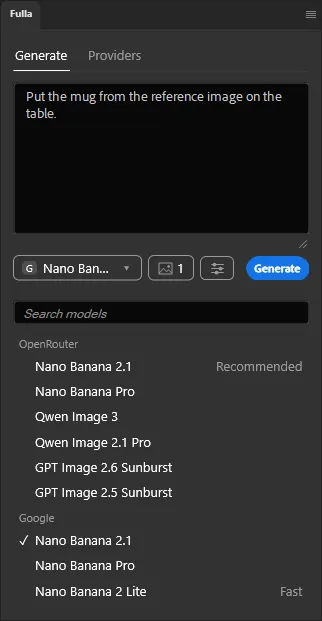
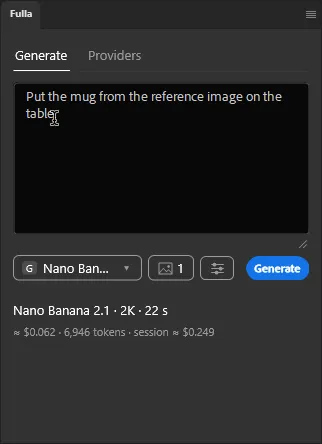
- Describe in the box at the top of the panel what to add or change there:
a small boat tied to the pier,make her smile. Leave it empty to remove what is selected. Drag the grip under the box to make it taller. - Click Generate.
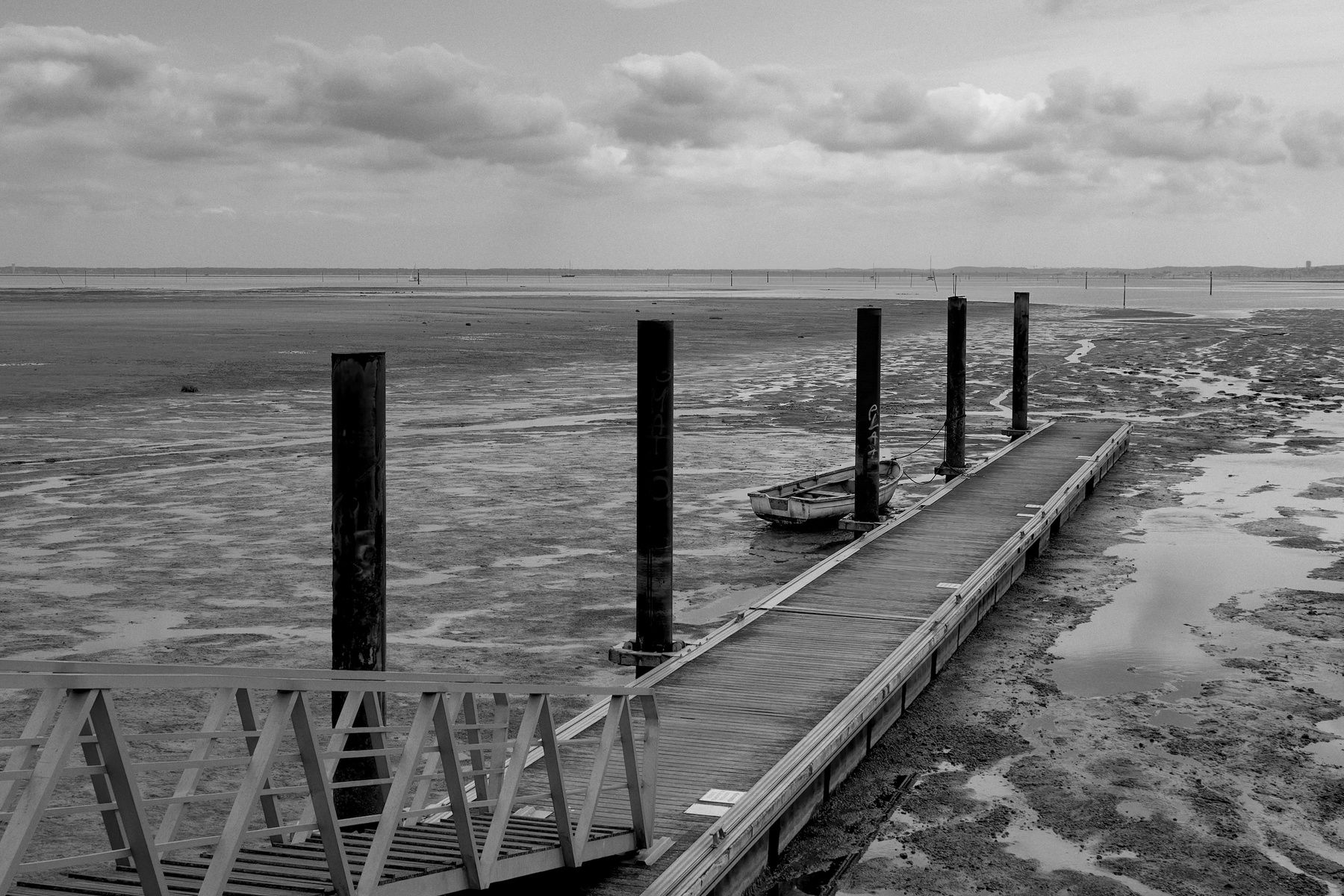
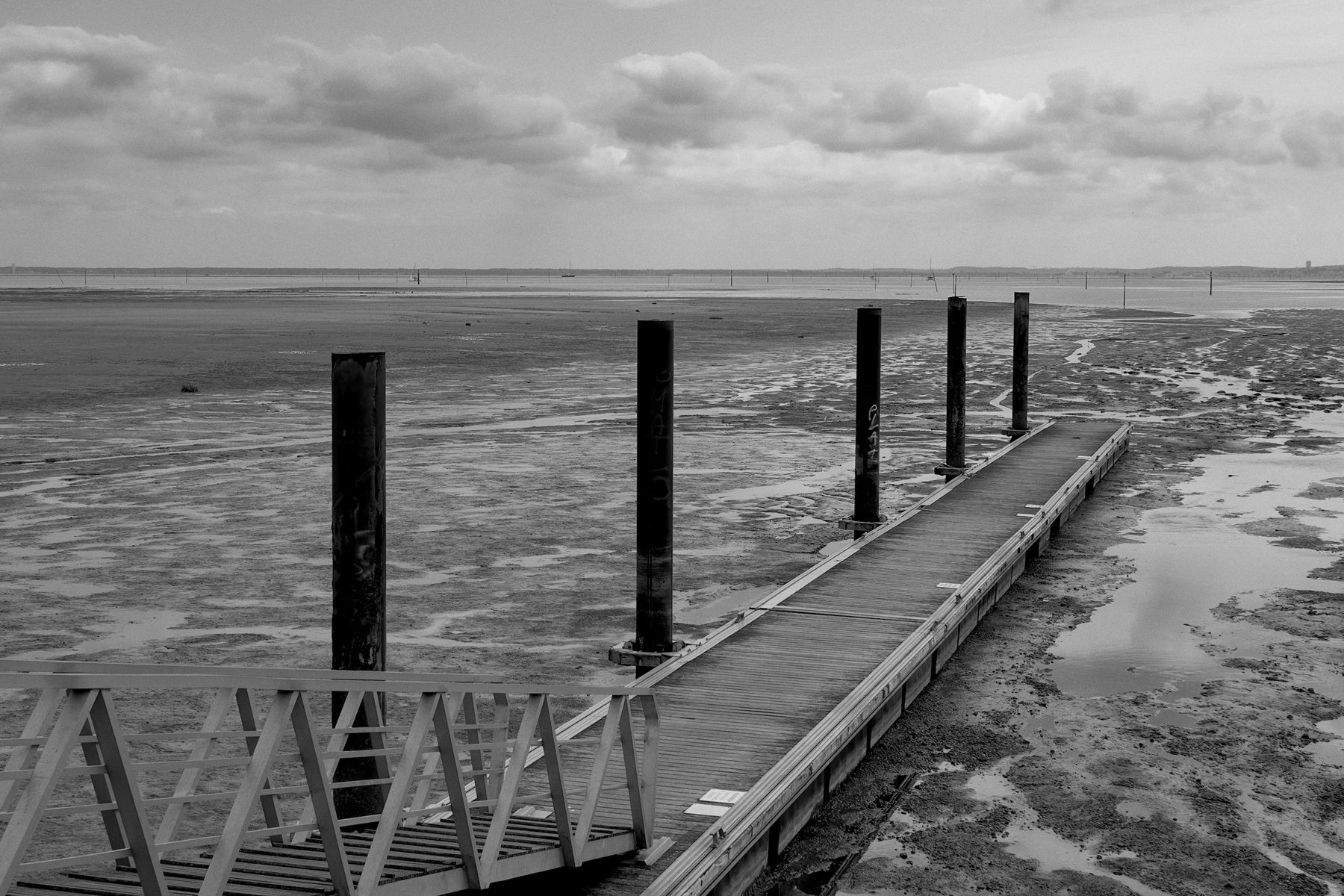
A boat added beside a pier with a small boat tied to the pier. First try, Nano Banana 2.1, 2K, $0.06.
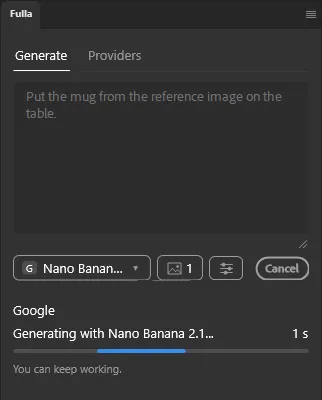
A card under the box shows the run, with a moving bar and the seconds. Photoshop stays free to use meanwhile, and the button turns into Cancel.
What you get
Section titled “What you get”Each run makes one new layer, named after your prompt and masked by your selection, with a soft edge. Your photo itself is never changed, and the whole fill is one undo step. If anything fails, the document is left as it was.
The card shows the model, the size, the time, and the cost of the run and of the session.
Click Done once you are happy: the card and the prompt are cleared, and the layer stays.
Choose a model
Section titled “Choose a model”The button under the box shows the provider and the model. It opens a searchable list of the models of every provider you connected. Nano Banana 2.1 is the recommended one. See Models.