

Resolution
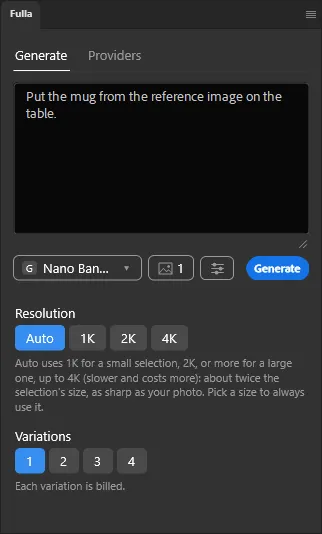
With Auto, the default, Fulla asks the model for an image about twice the size of your selection, so the result looks as sharp as your photo and is never stretched.
How Auto chooses
Section titled “How Auto chooses”- 1K for a small selection.
- 2K for a medium one.
- 4K for a large one, when the model offers it (2K at most for OpenAI models).
Choose a size yourself
Section titled “Choose a size yourself”Open the settings button next to the model button and pick a Resolution. A size you choose is always used. A setting the model doesn’t offer isn’t shown.
A larger image costs a little more: see What it costs.