

Variations
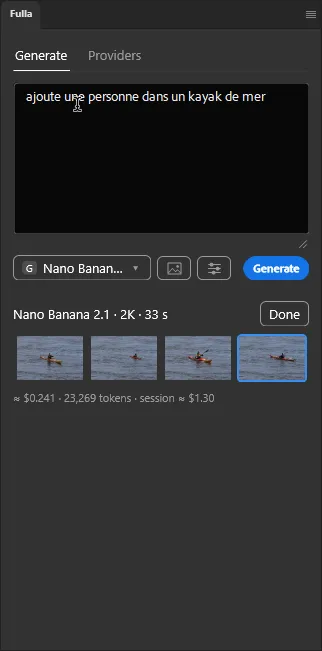
Fulla can make 1 to 4 variations in one run, so you can pick the best.
Ask for variations
Section titled “Ask for variations”- Click the settings button (the sliders) next to the model button.
- Set Variations to 2, 3 or 4.
- Click Generate.
Pick one
Section titled “Pick one”Thumbnails appear in the card. Click one to put it in the layer; it is one undo step, and you can try each in turn. Click Done once you have chosen: the card, the thumbnails and the prompt are cleared, and the layer stays.
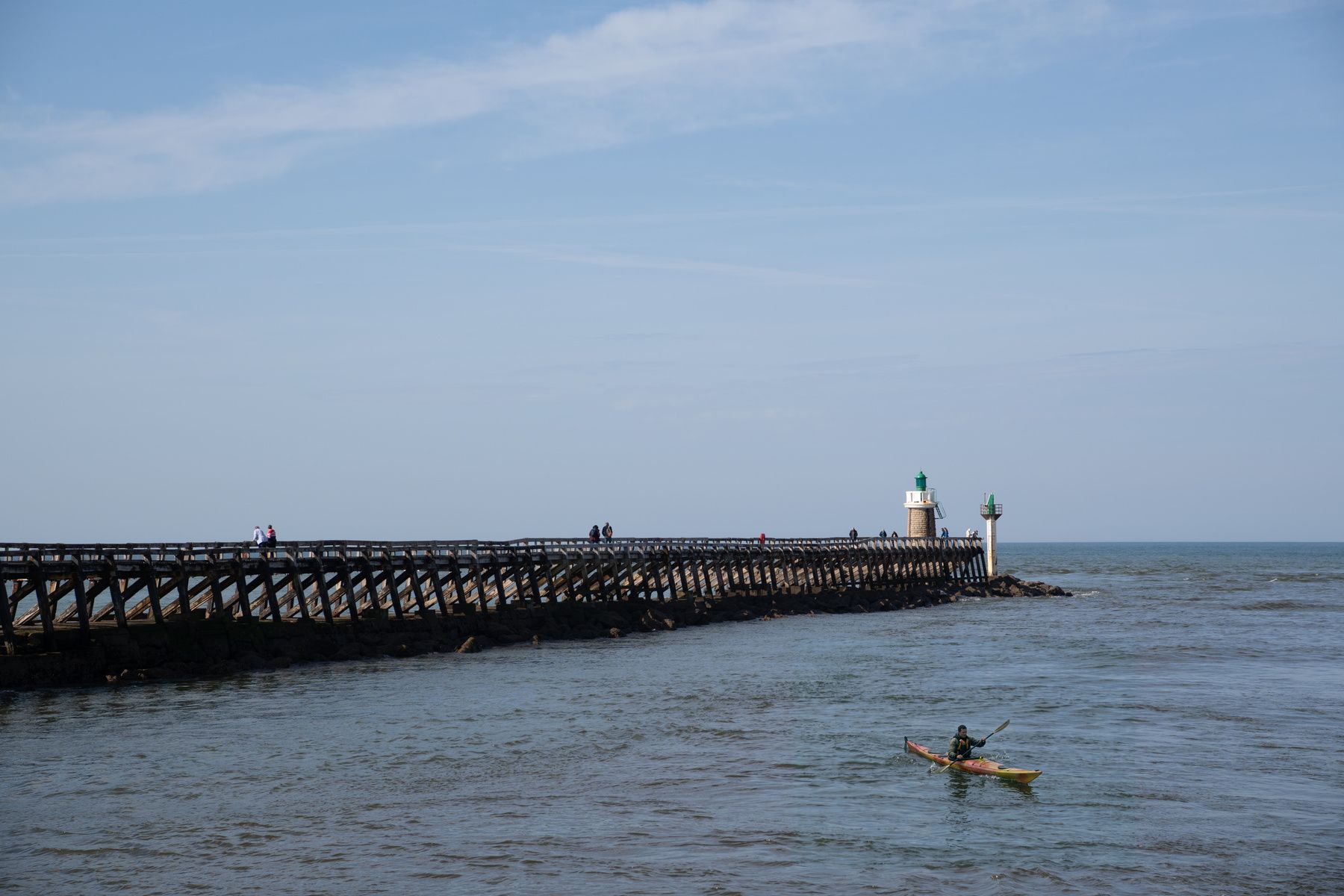
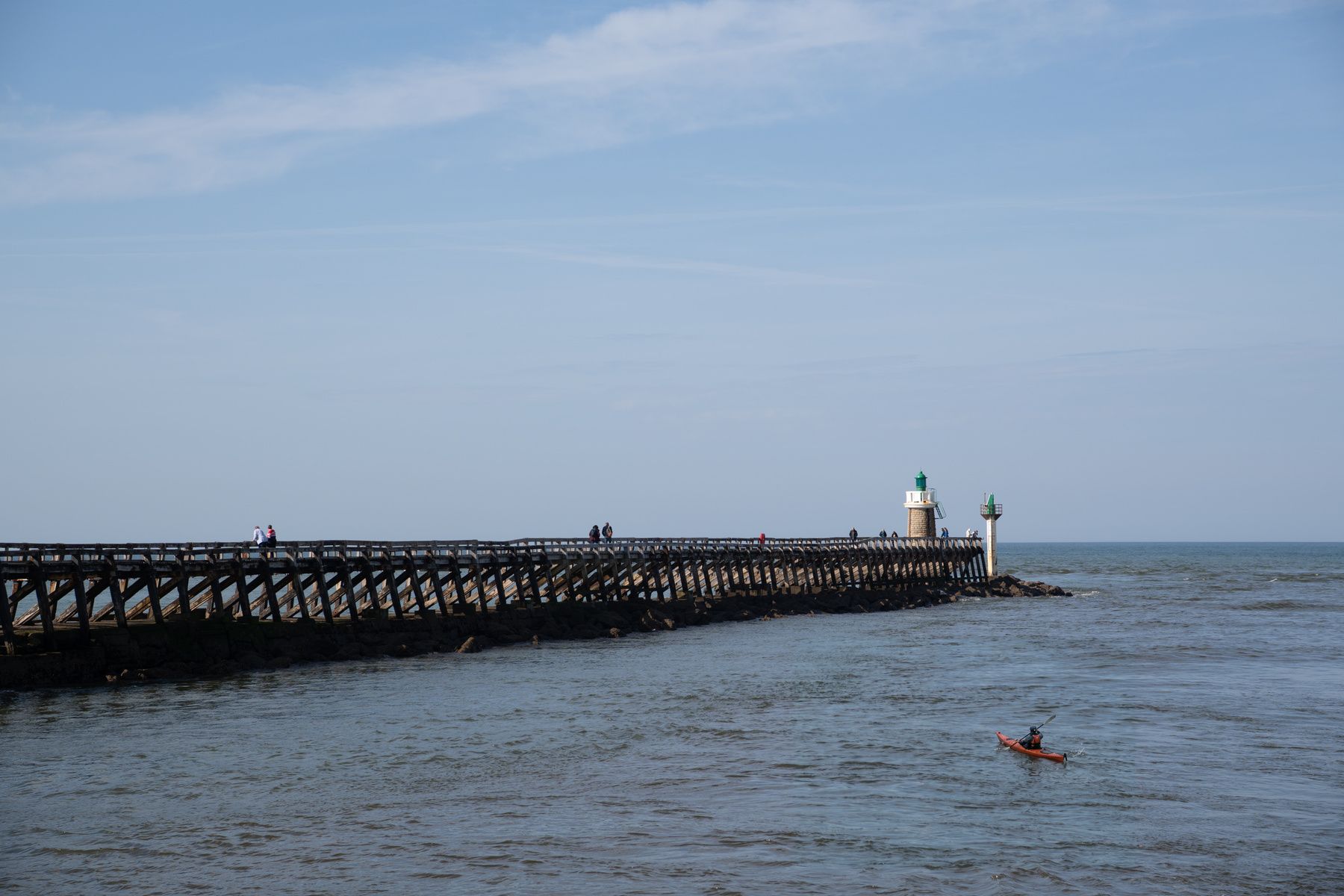
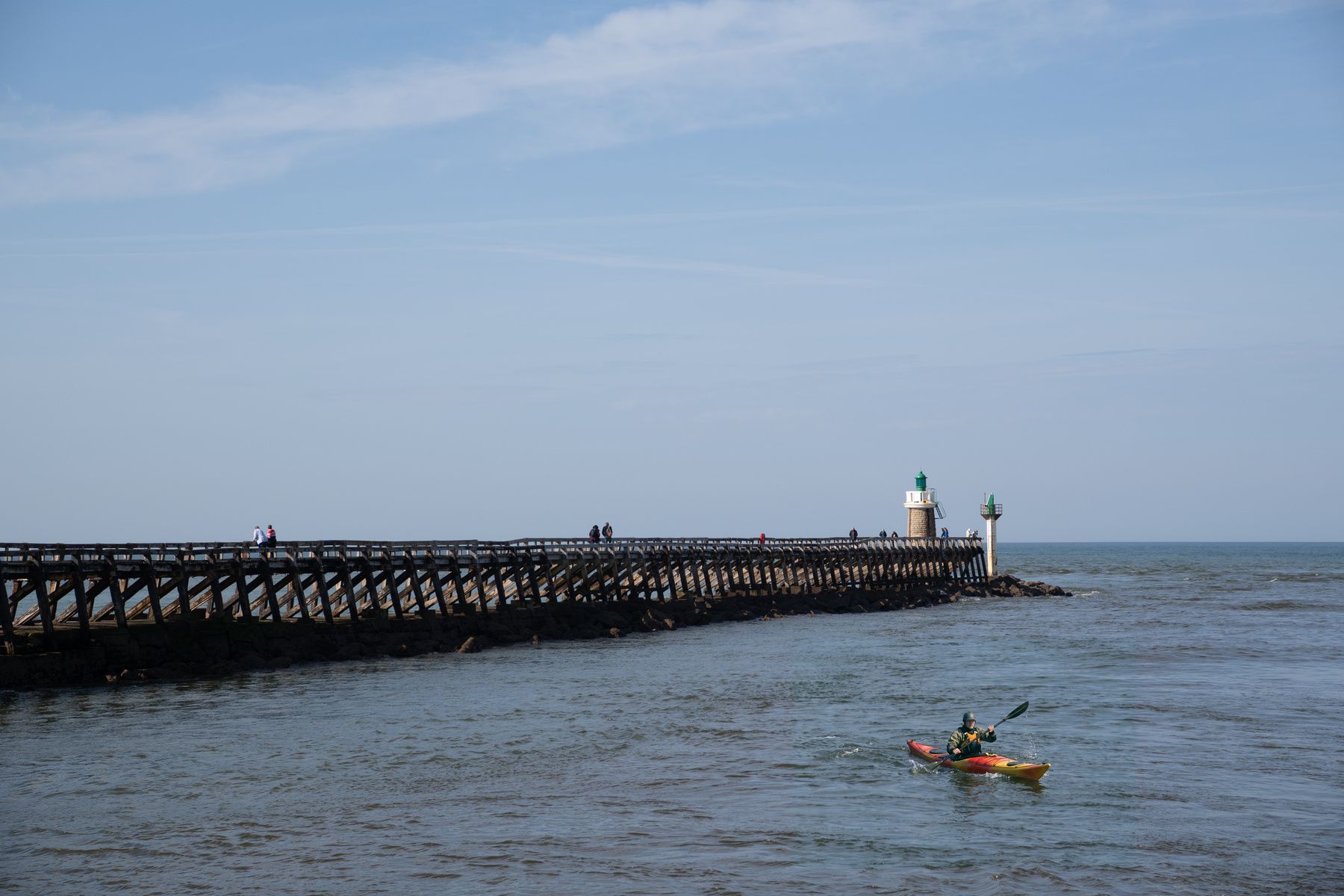
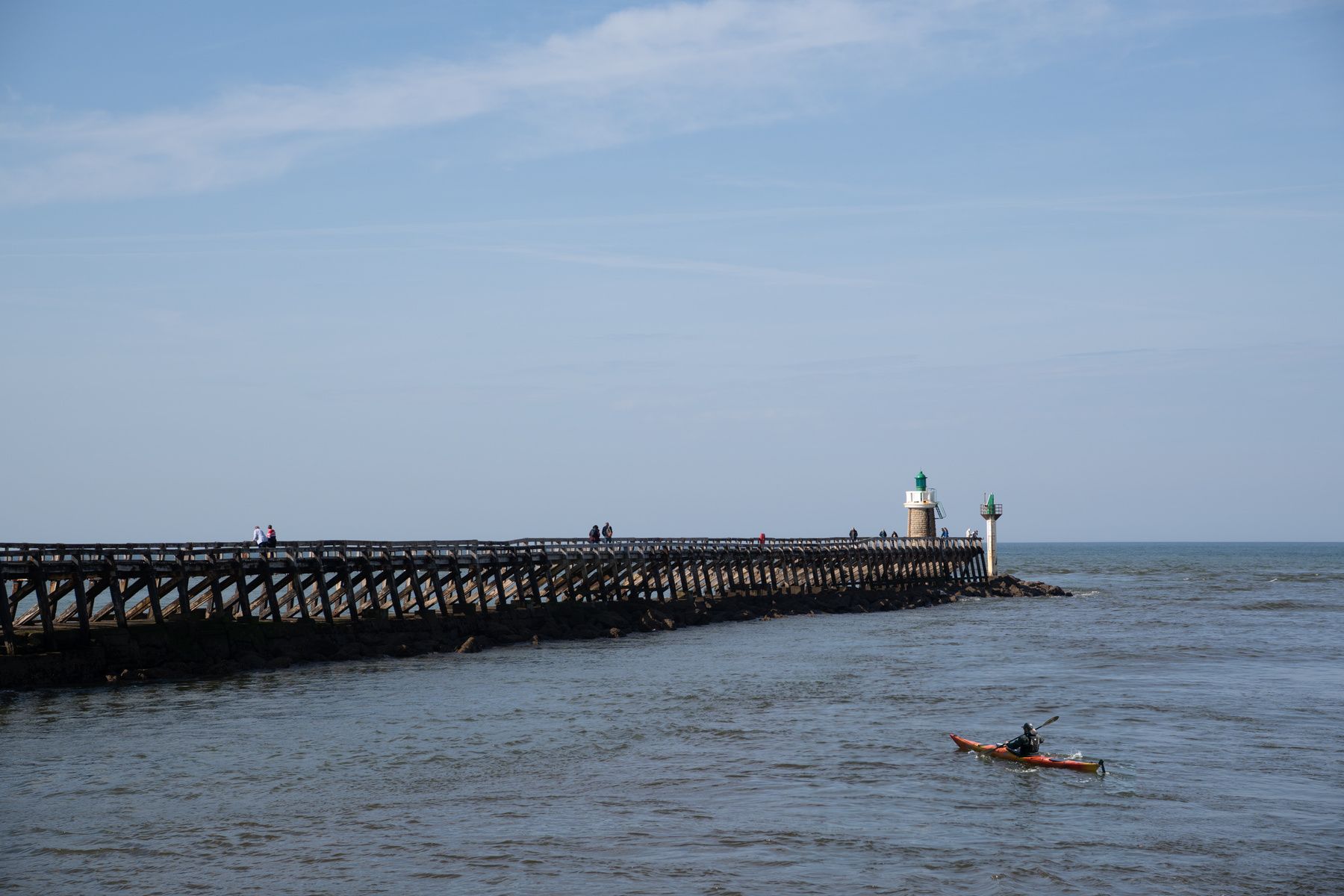
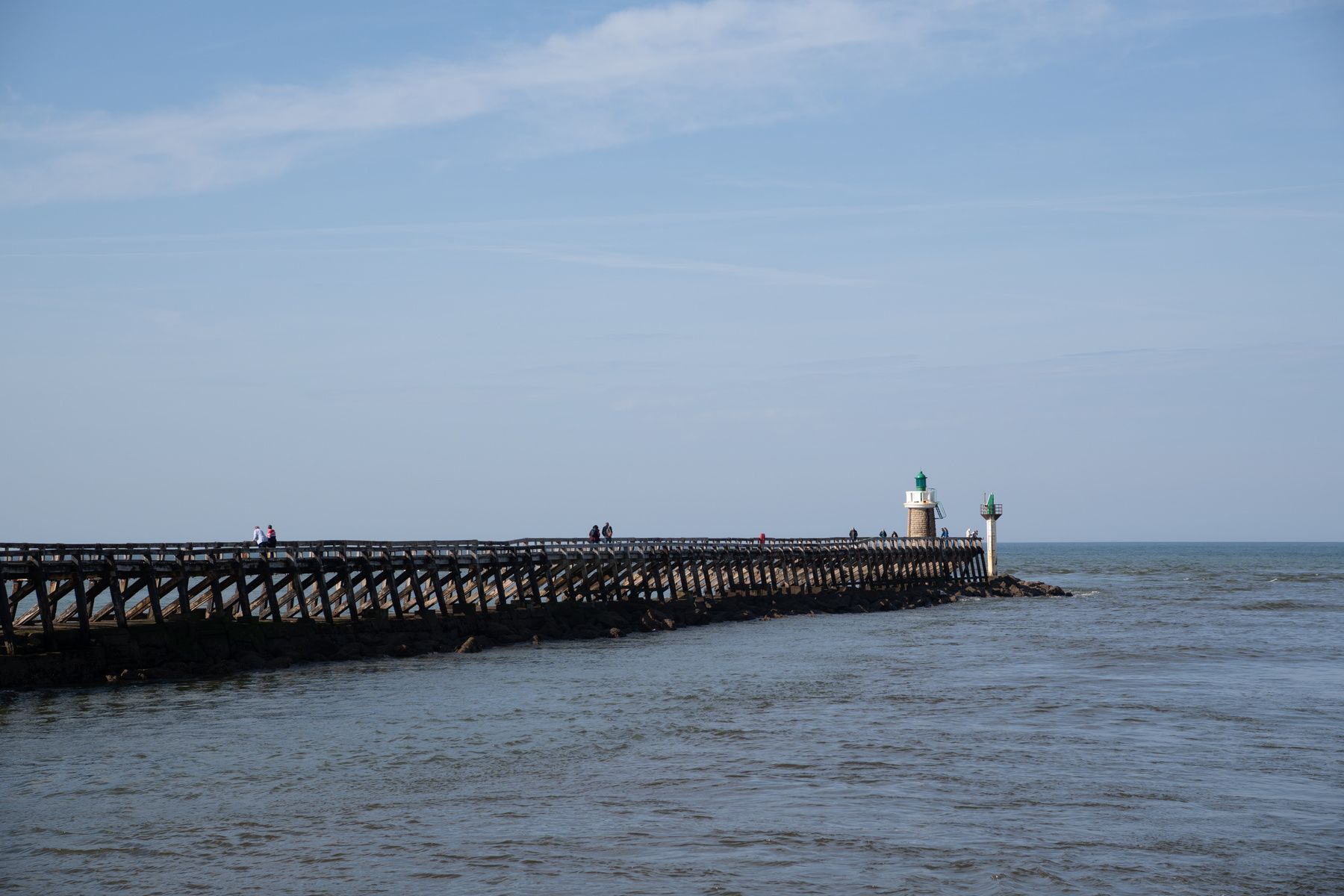
Four variations of one run, switched on the photo: “Add a person in a sea kayak.” Nano Banana 2.1, 2K, $0.24 for the four.
Each variation is one image, billed as one image.